No more "other photo 6"
As many photos as each question needs, never a fixed set of slots.
Features
On a ladder, in a loft, at the end of a lane with no signal. SiteNotes is designed around the surveyor on site and the office that turns the notes into a report.
The field app
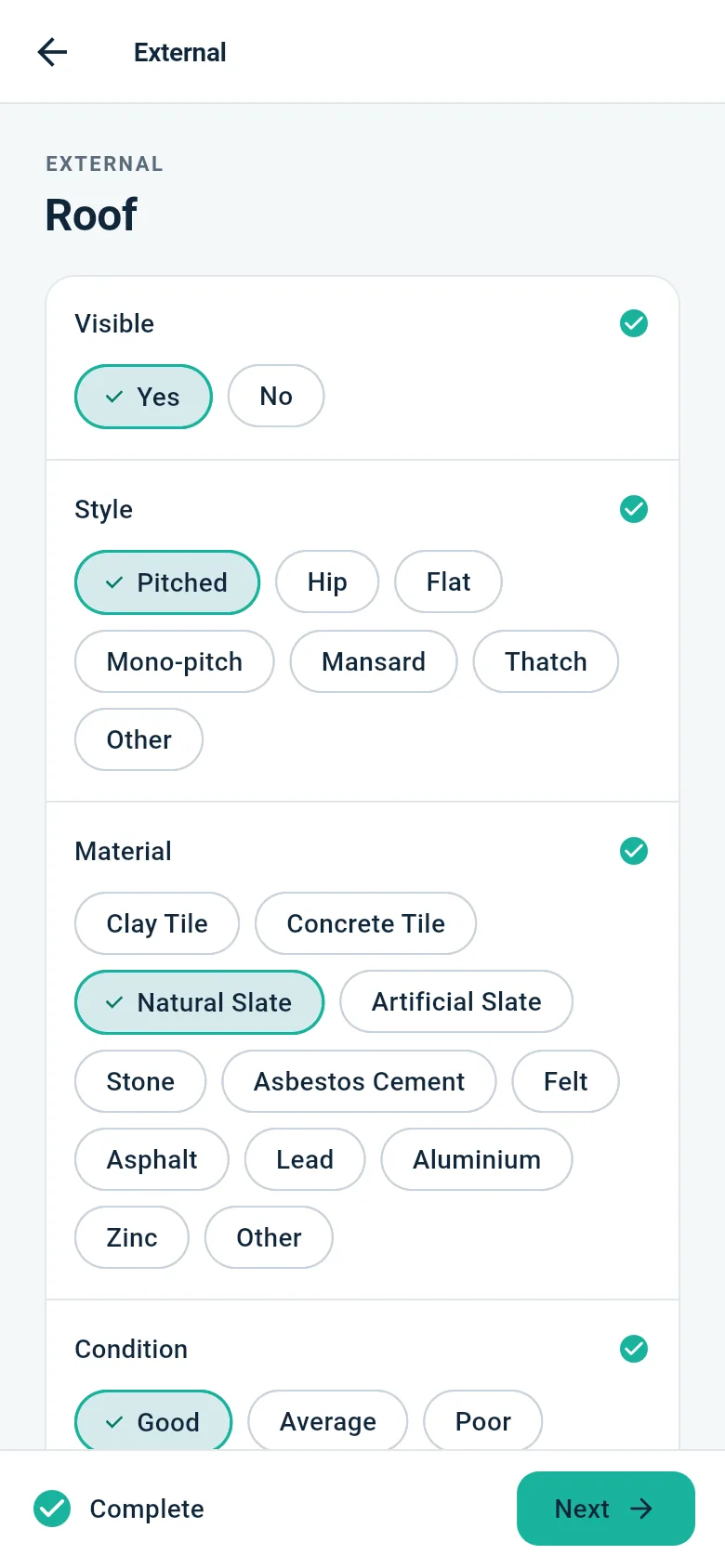
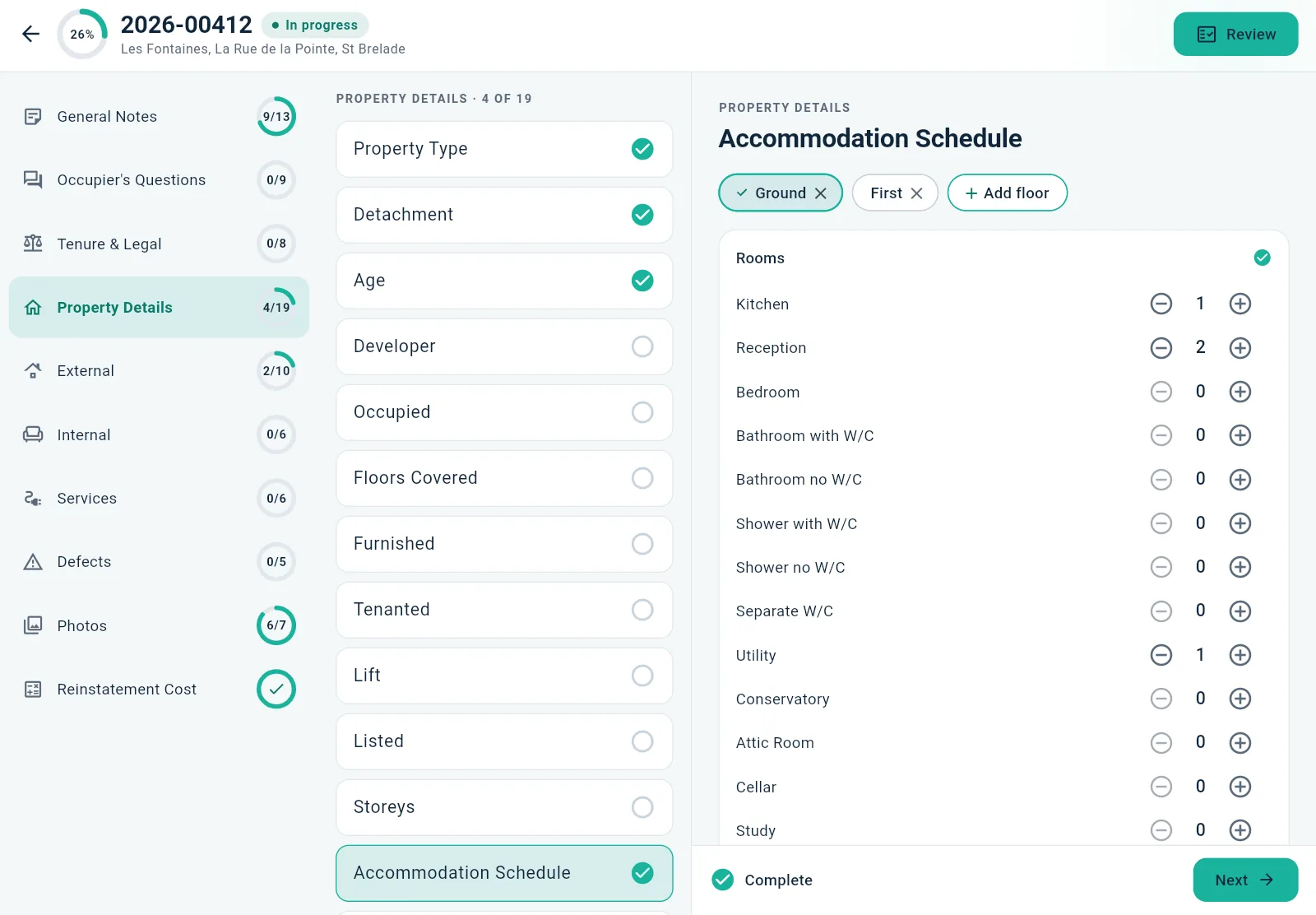
The survey lives on the iPad or phone. Every answer and photo is saved the moment you make it, so a dead battery or a dropped signal never costs you a survey.
Survey templates
The survey is defined by a template the office manages: sections, questions, choice lists and which answers are required. Change a list or add a question and every device picks it up at its next sync.
Photos & defects
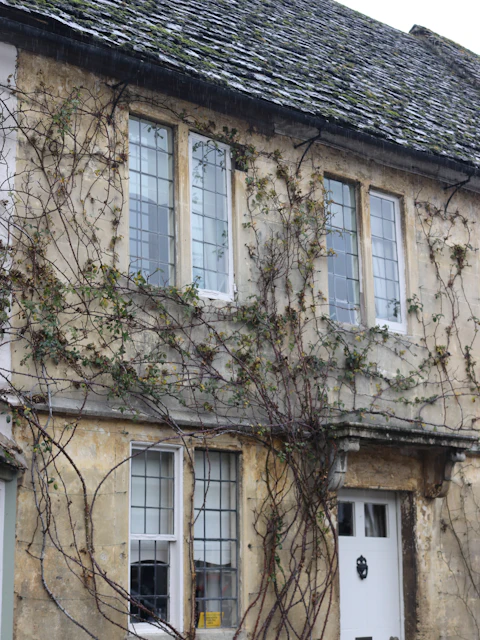
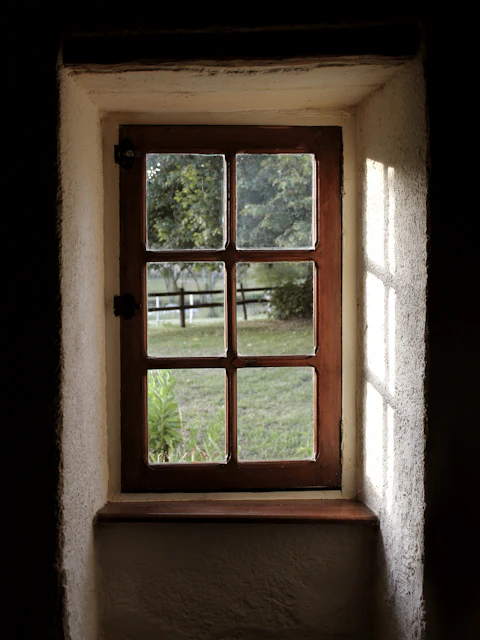
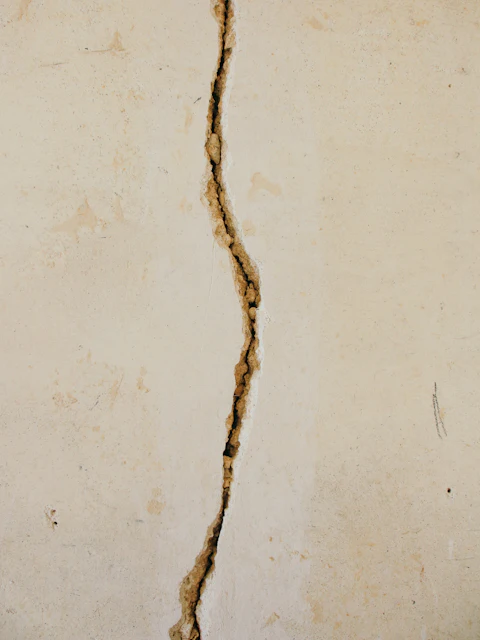
Take a photo from inside the question it belongs to: the rear elevation, the boiler, the crack above the bay window. Add as many as you need; each lands in the right place in the report.
As many photos as each question needs, never a fixed set of slots.
Damp, timber decay, insect attack, deleterious materials and movement, each a question of its own.
Reinstatement cost
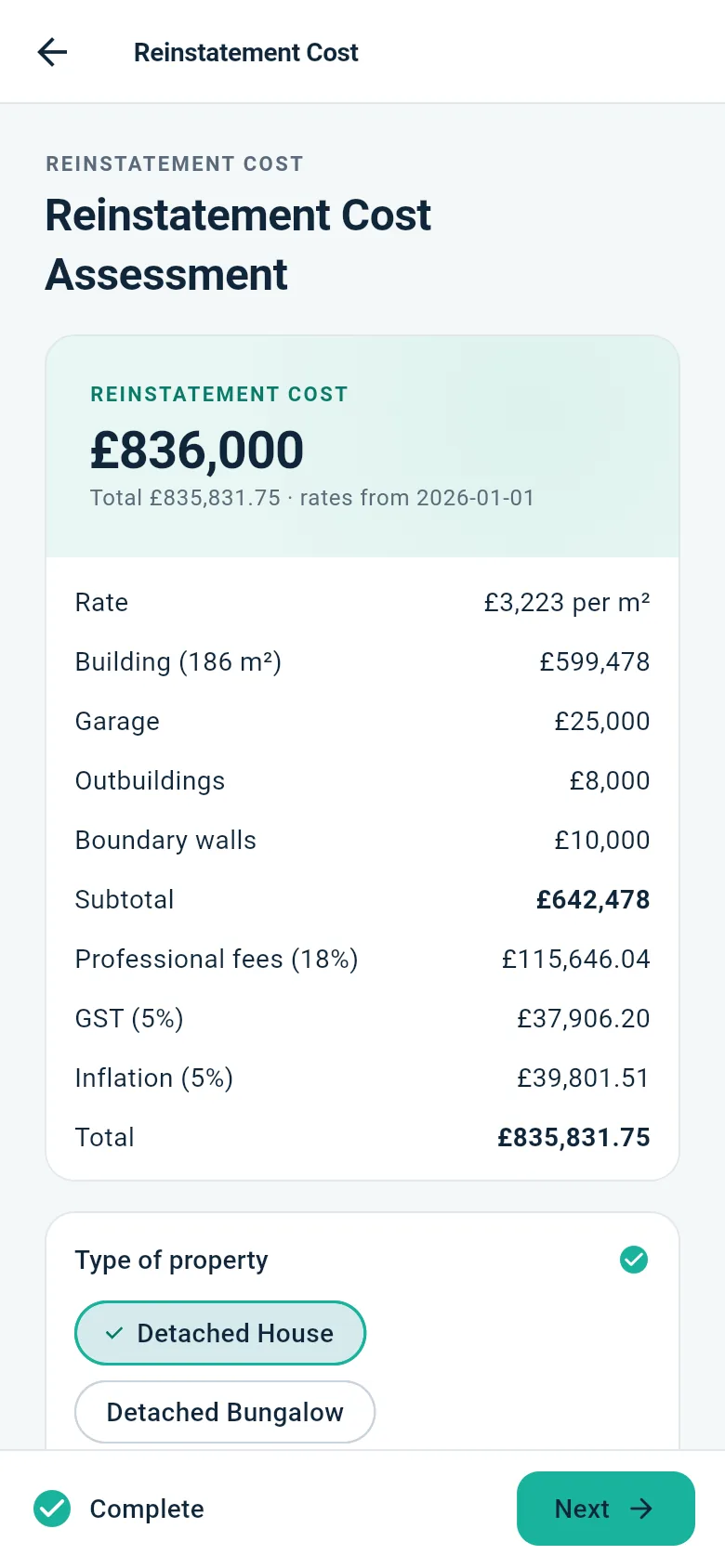
SiteNotes takes the property type, construction and floor area from the survey and applies your practice's own rate table. Garage, outbuildings, boundary walls, fees, GST and inflation are added, and every line goes into the report.
Back office & reports
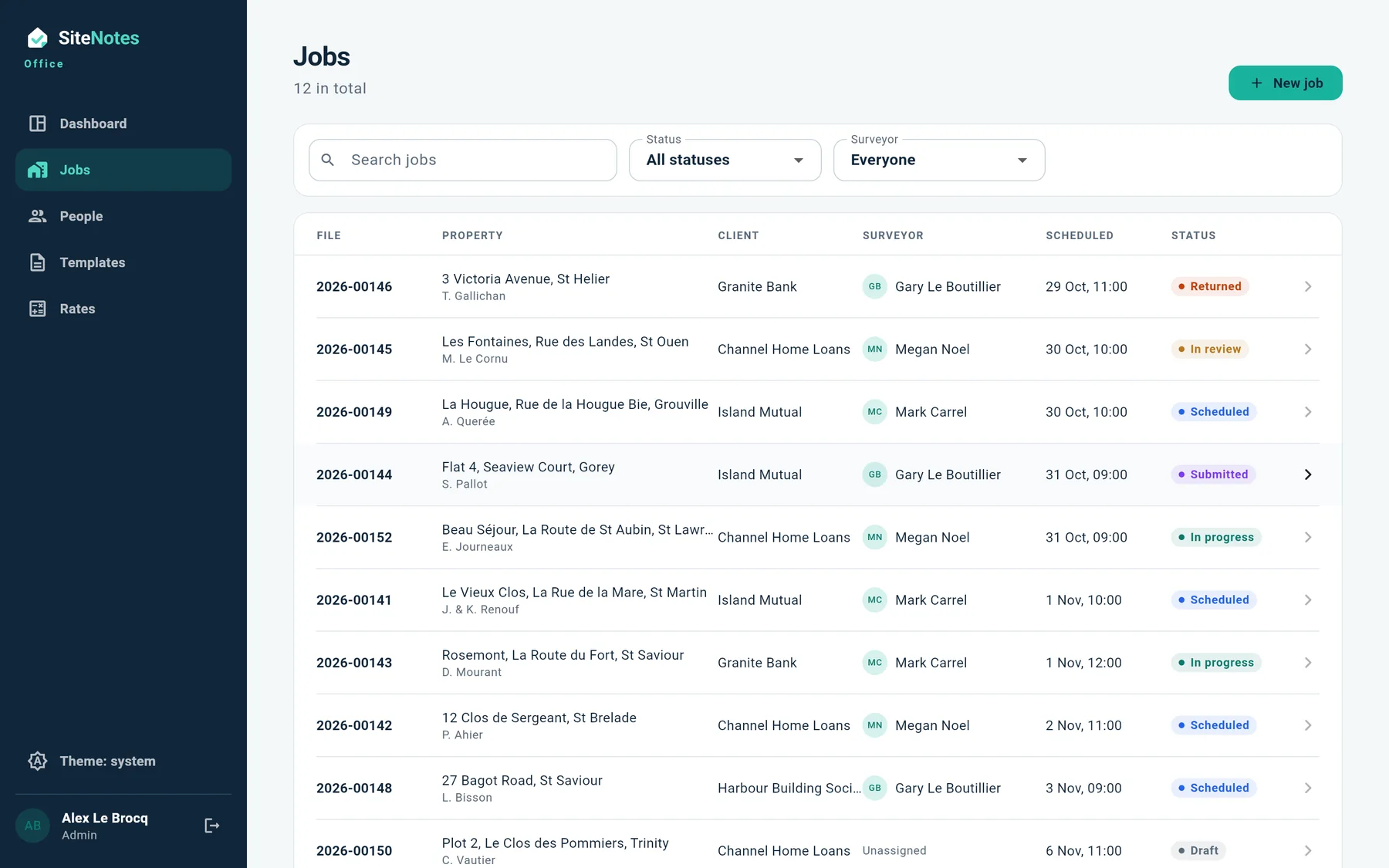
Book and assign jobs, follow them from instruction to report, and review surveys as they arrive. Send one back with a note and it's on the surveyor's device at the next sync.
Data protection
Surveys hold names, prices and addresses. SiteNotes is being built with the Data Protection (Jersey) Law 2018 in mind from the start.
Designed around the island's data protection law.
Surveys from the original SiteNotes tablet app can be brought across, file numbers and all.
Now recruiting
Tell us how you survey today and we'll show you how SiteNotes would fit, or join the pilot before it reaches the App Store and Google Play.