Photos where they belong
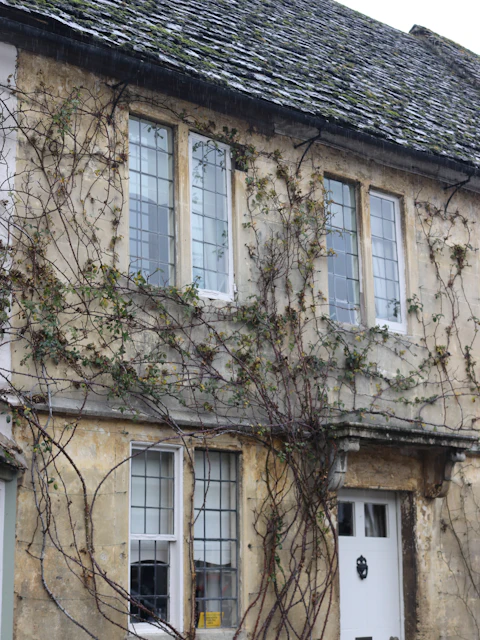
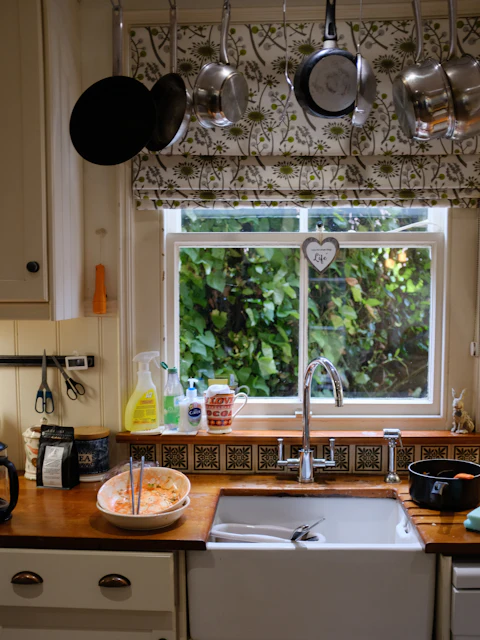
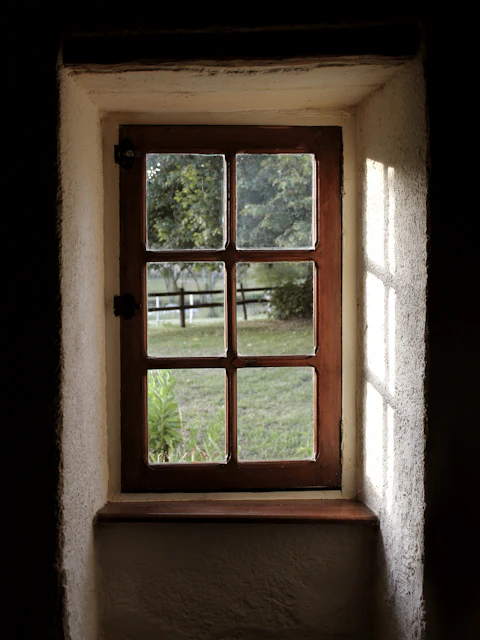
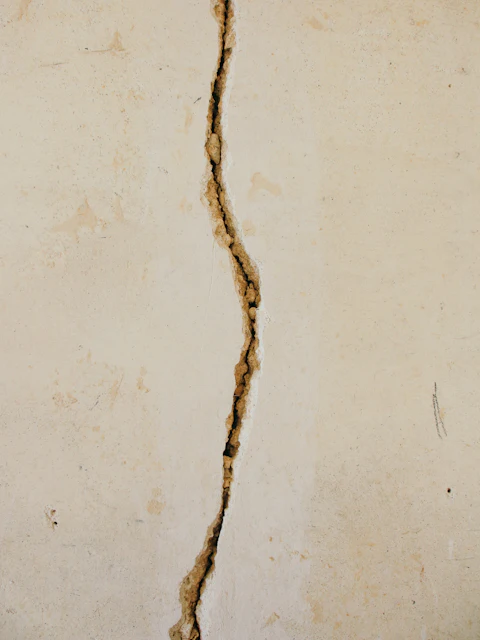
Shoot straight into the roof, the kitchen or a defect. They're filed against the right question and land in the right place in the report.
Pilot Coming to iPad and Android · built in Cornwall
SiteNotes is the survey app for property surveyors and valuers. Record every room, material, service and defect on site, take the photos where they belong, and hand the office a finished survey — not a pile of notes.
Screens from the app in development, with sample data.
Every room. Every material. Every defect, every photo, every measurement. Recorded once, on site, and never typed up again.
The field app
Built for an iPad in one hand on a muddy drive. Big targets, no typing where a tap will do, and the next unanswered item always one button away.
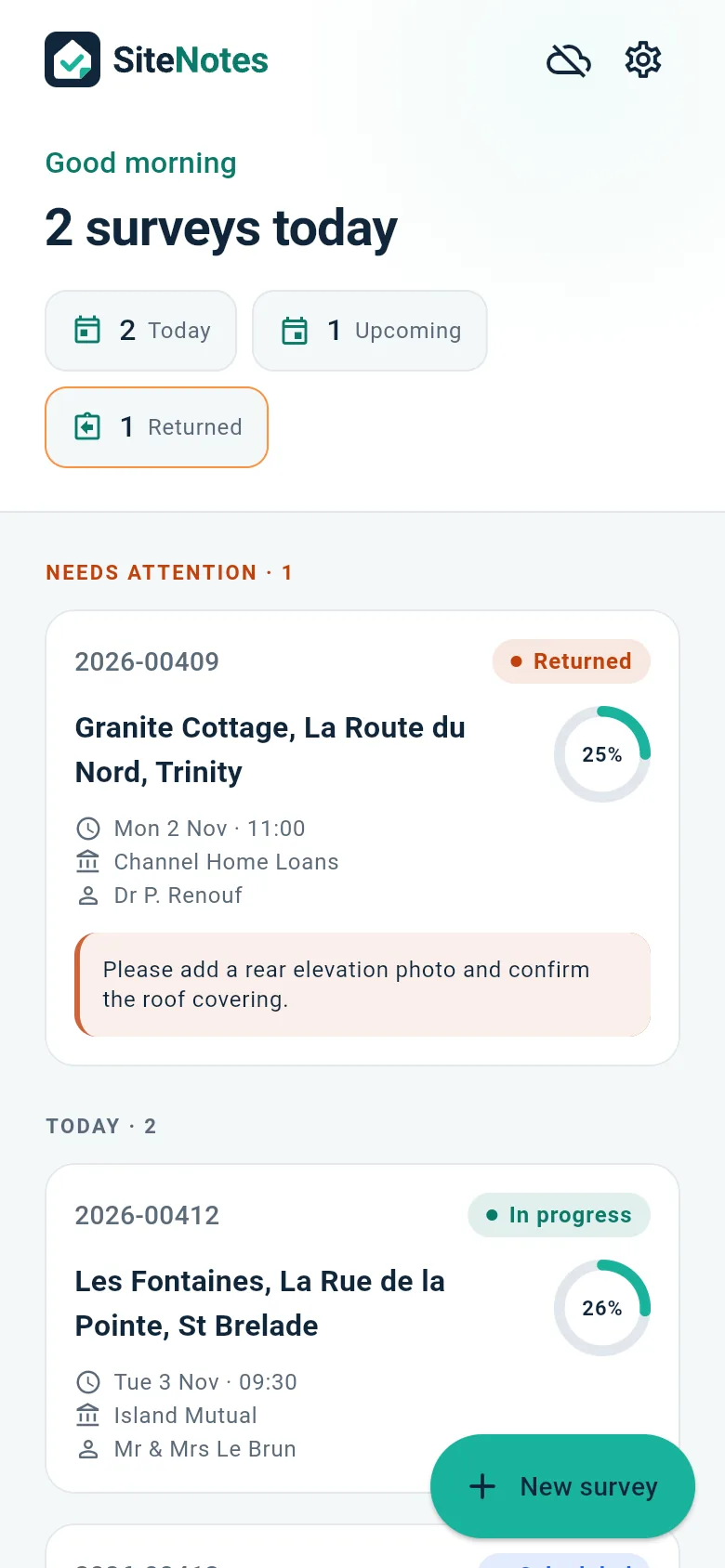
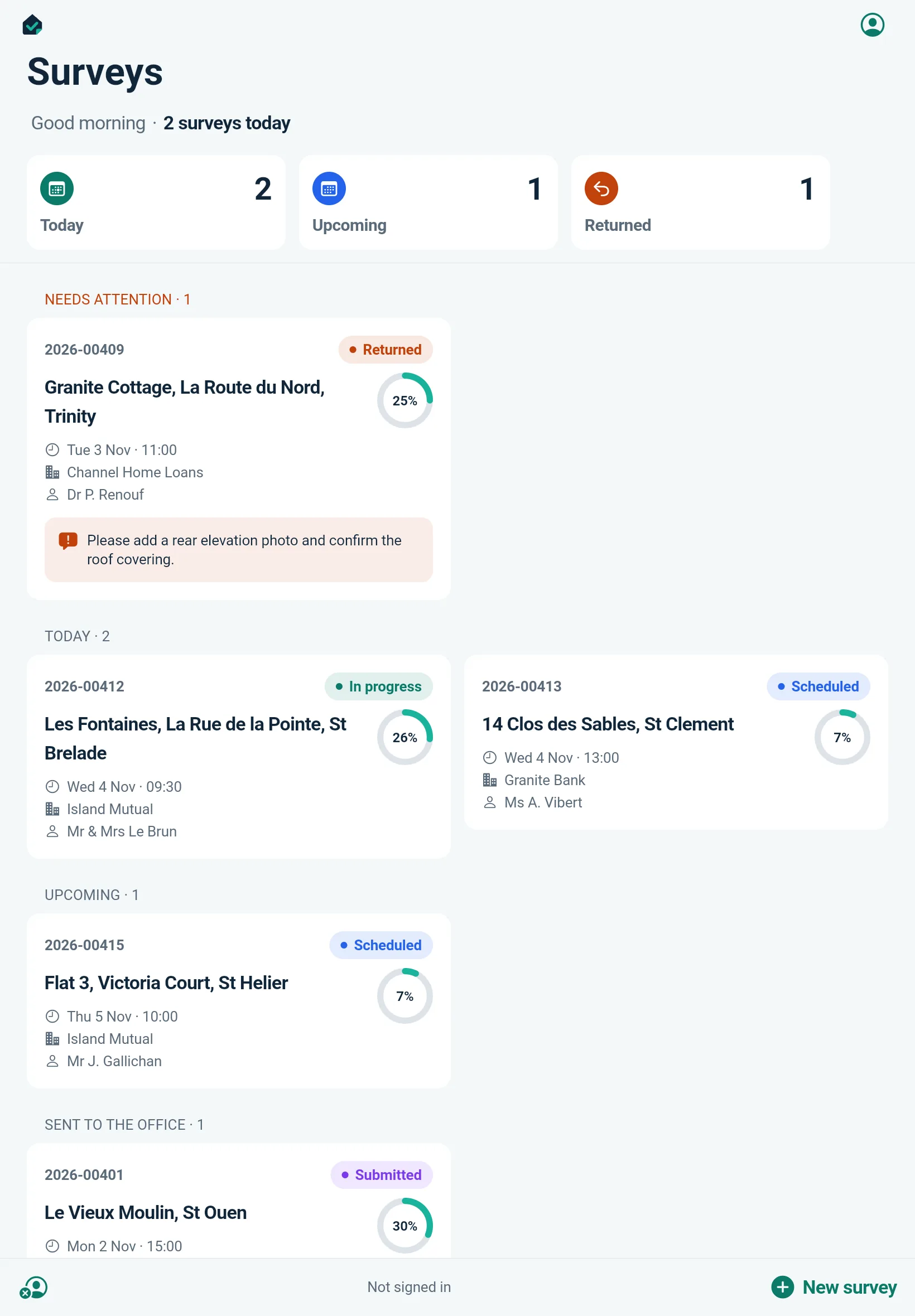
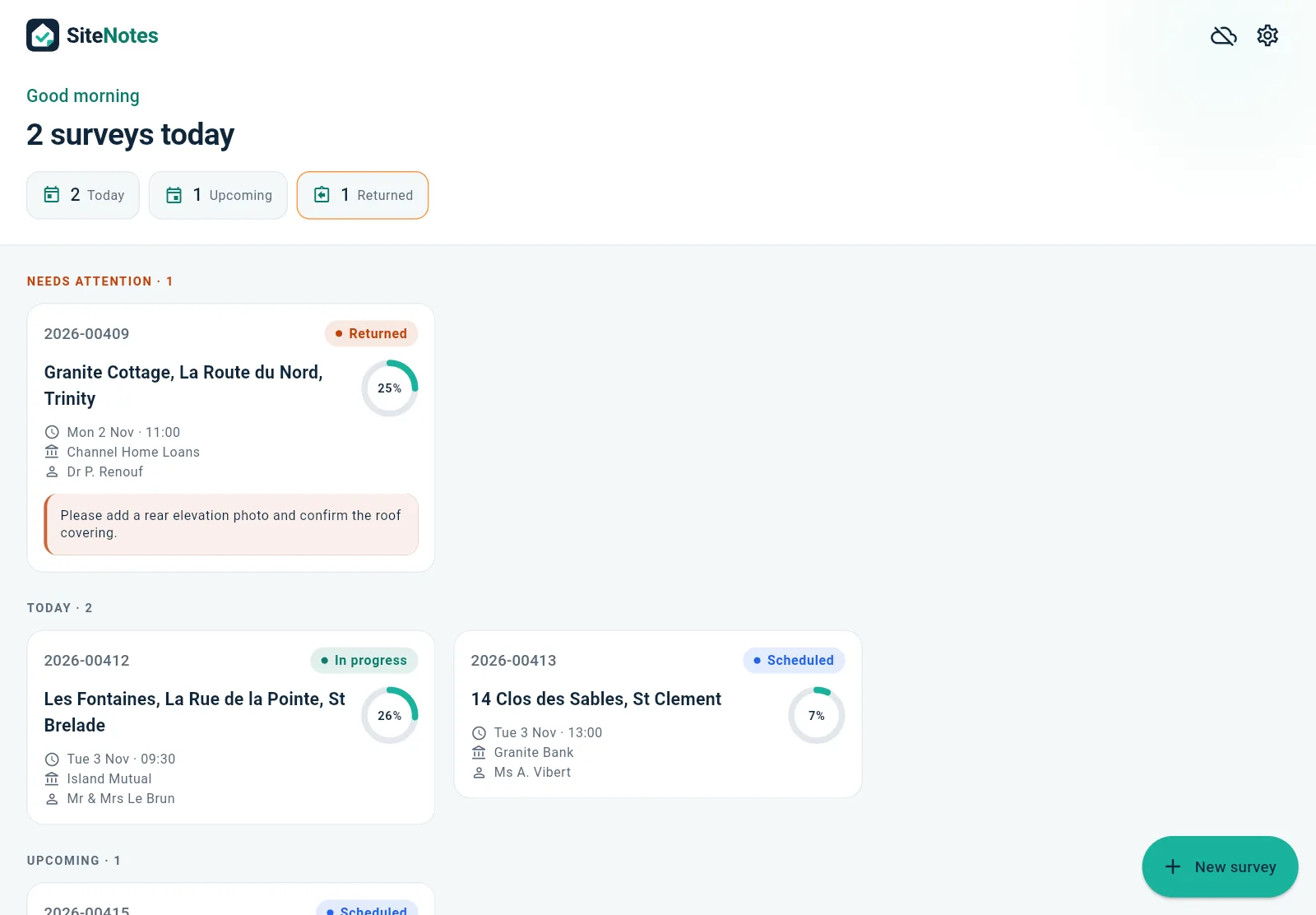
Today's surveys, what's coming up, and anything the office has sent back, with the reviewer's note right on the card. Every job shows how far through it you are.
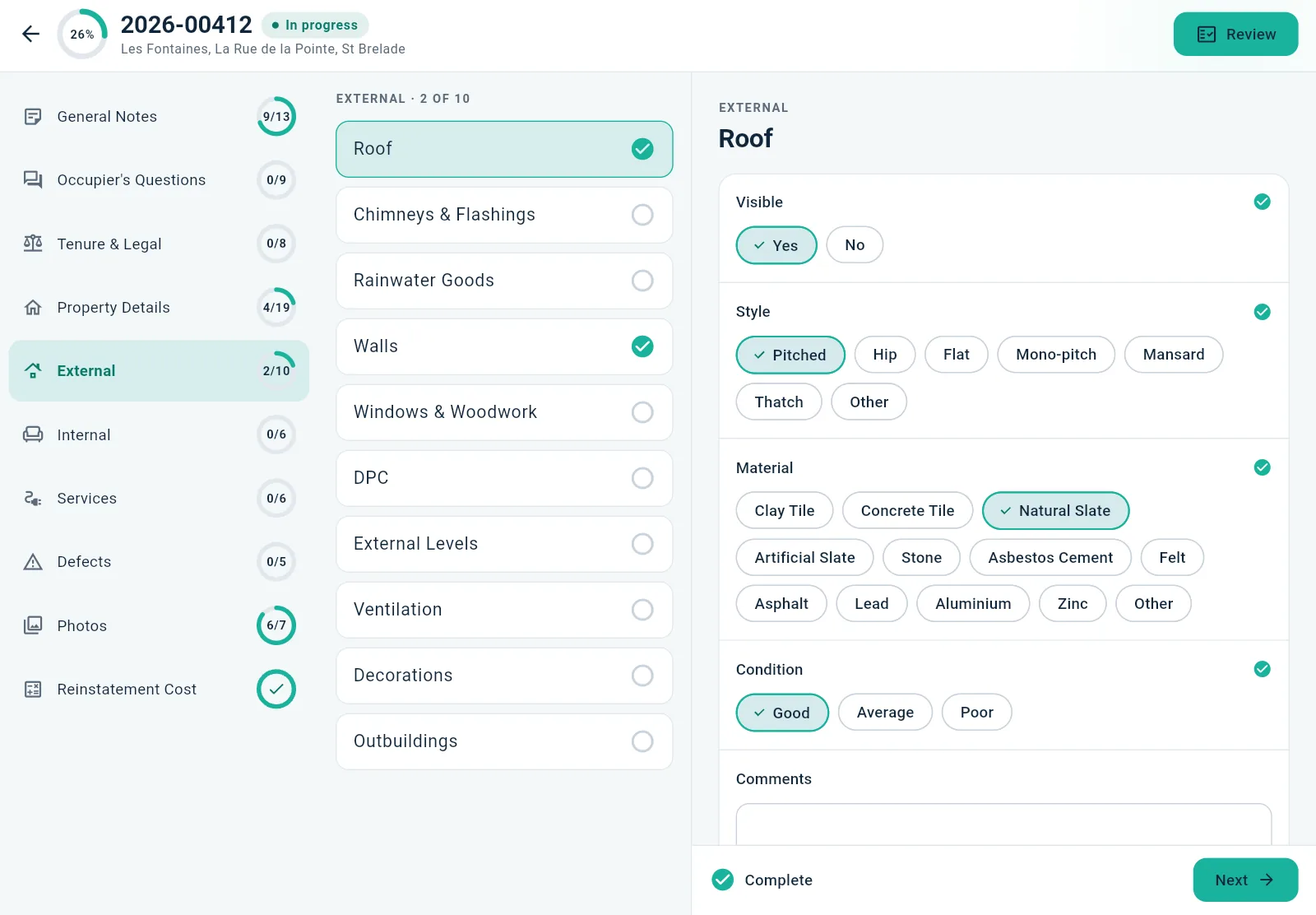
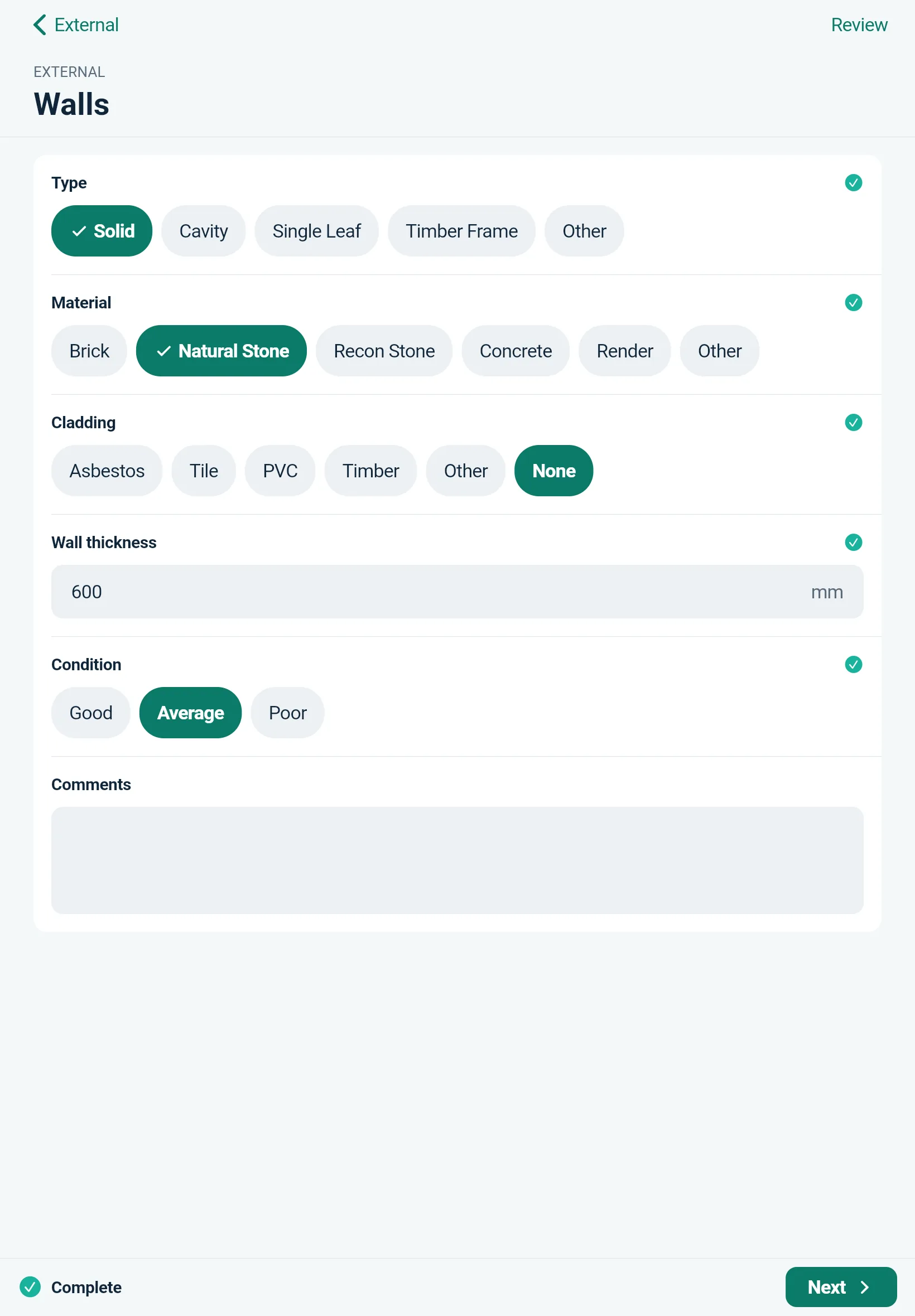
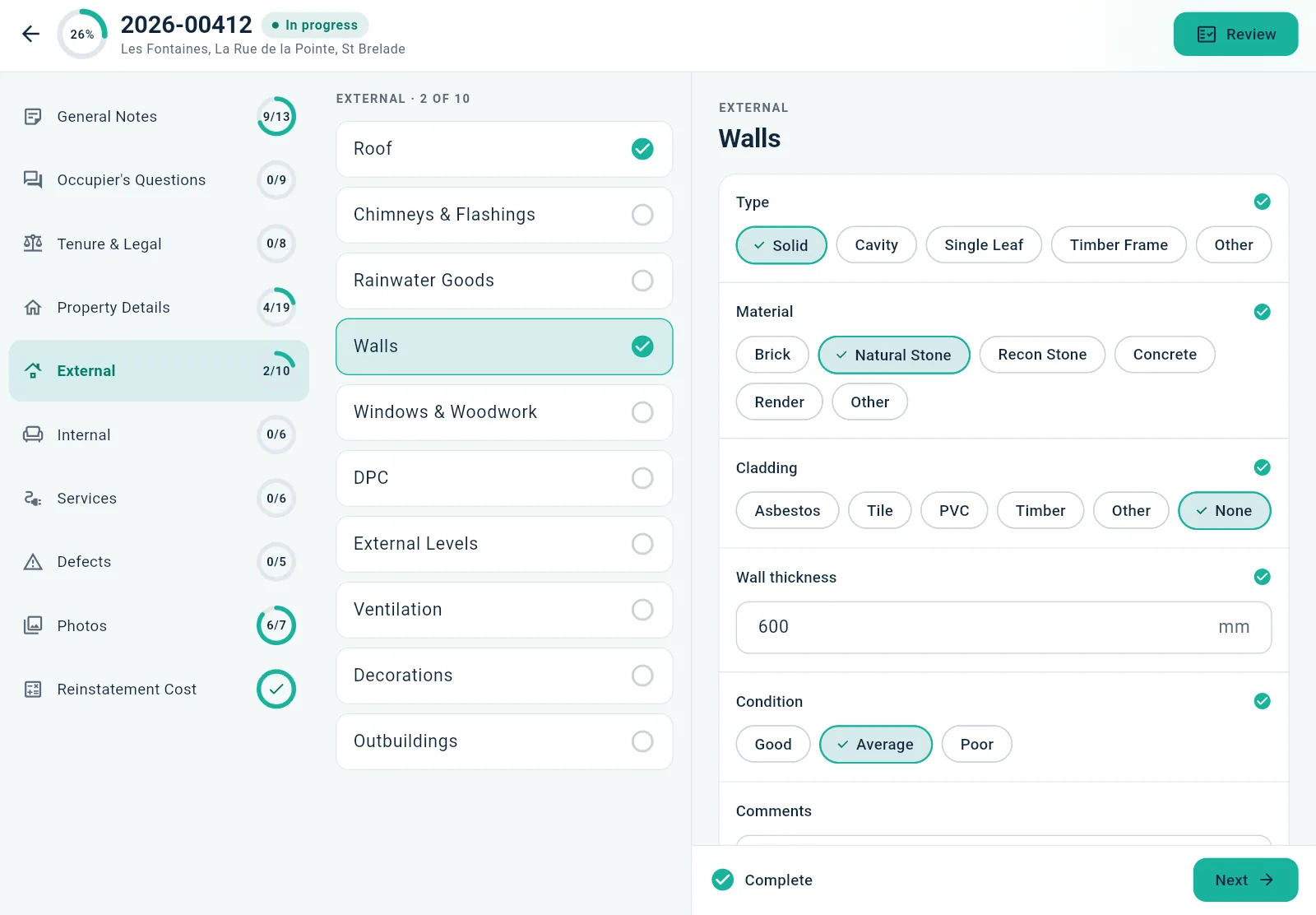
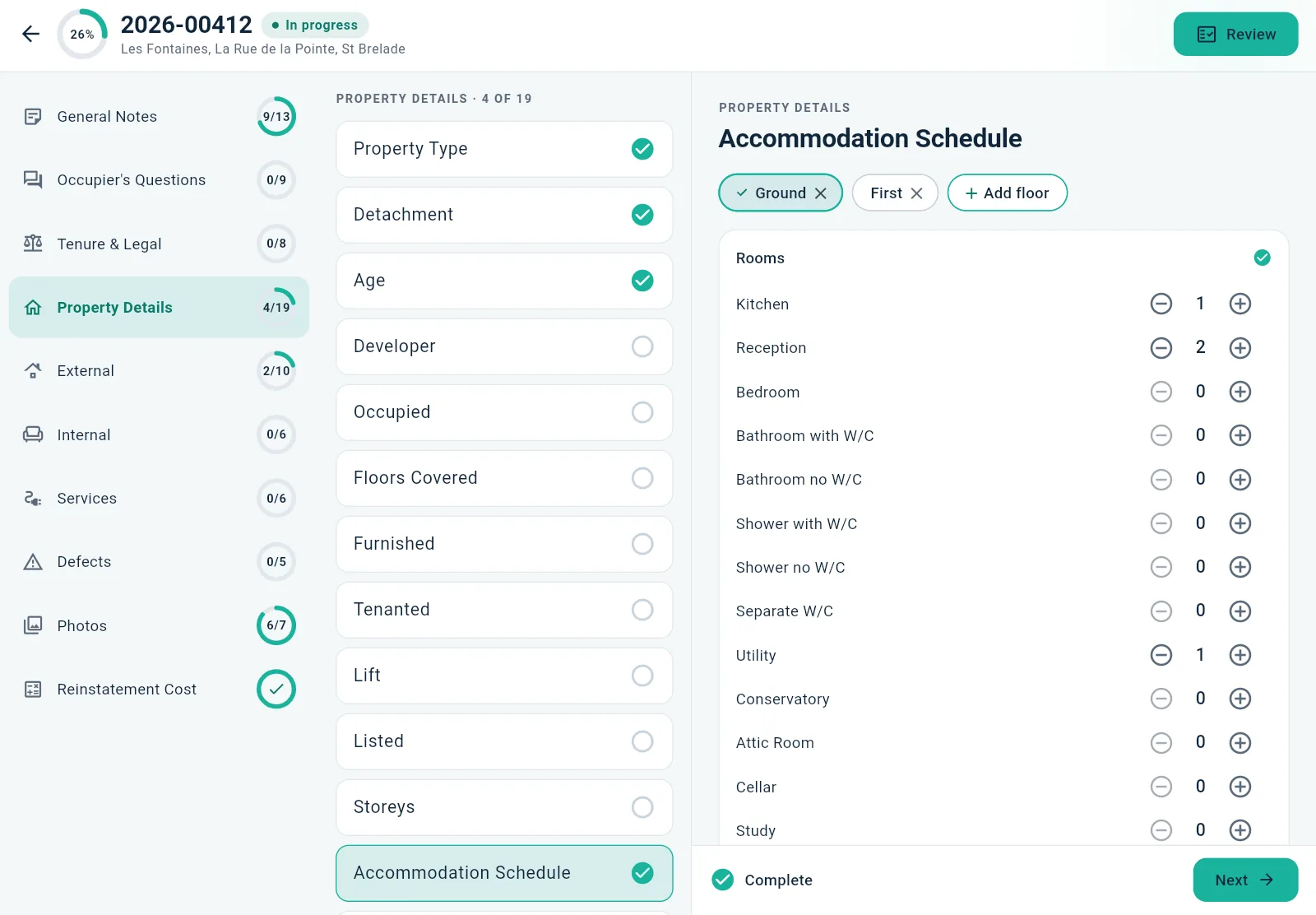
Walls, roof, windows, services: every question is a set of choices from your own template. Choose solid granite, 600 mm, average condition, and move on. Each section's ring fills as you go.
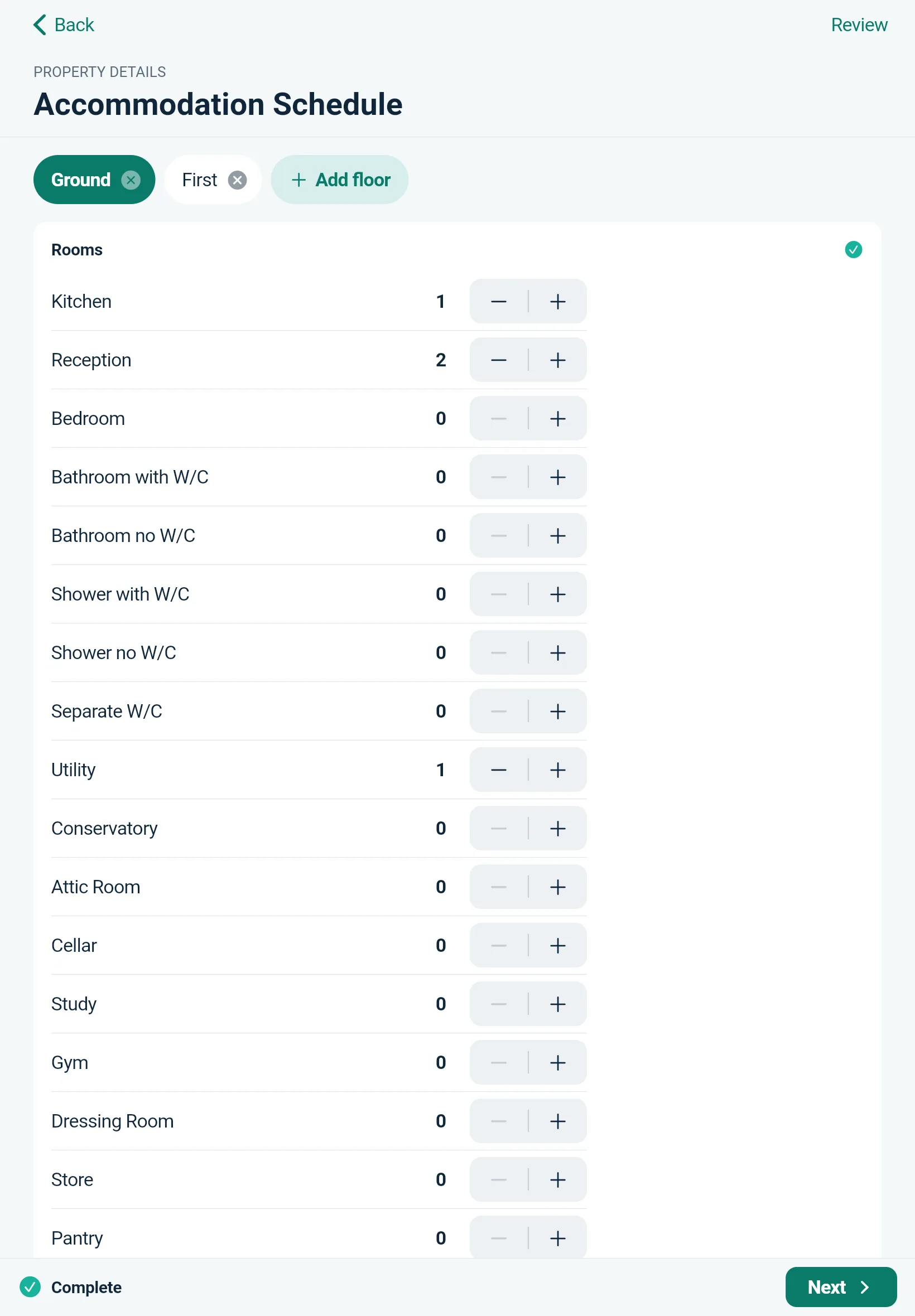
Add the ground, first and second floors, then count the bedrooms, bathrooms and receptions on each. The accommodation table writes itself for the report.
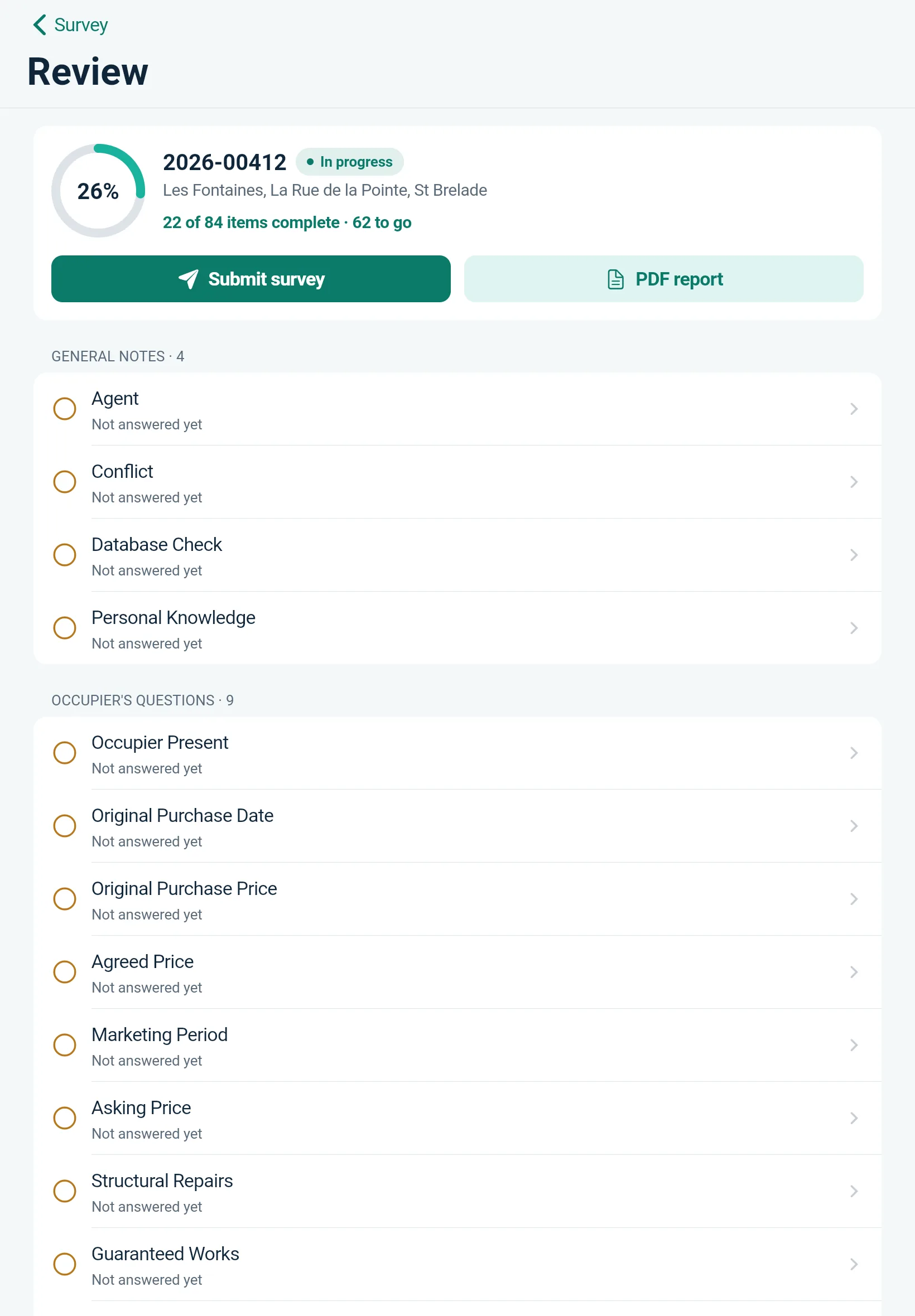
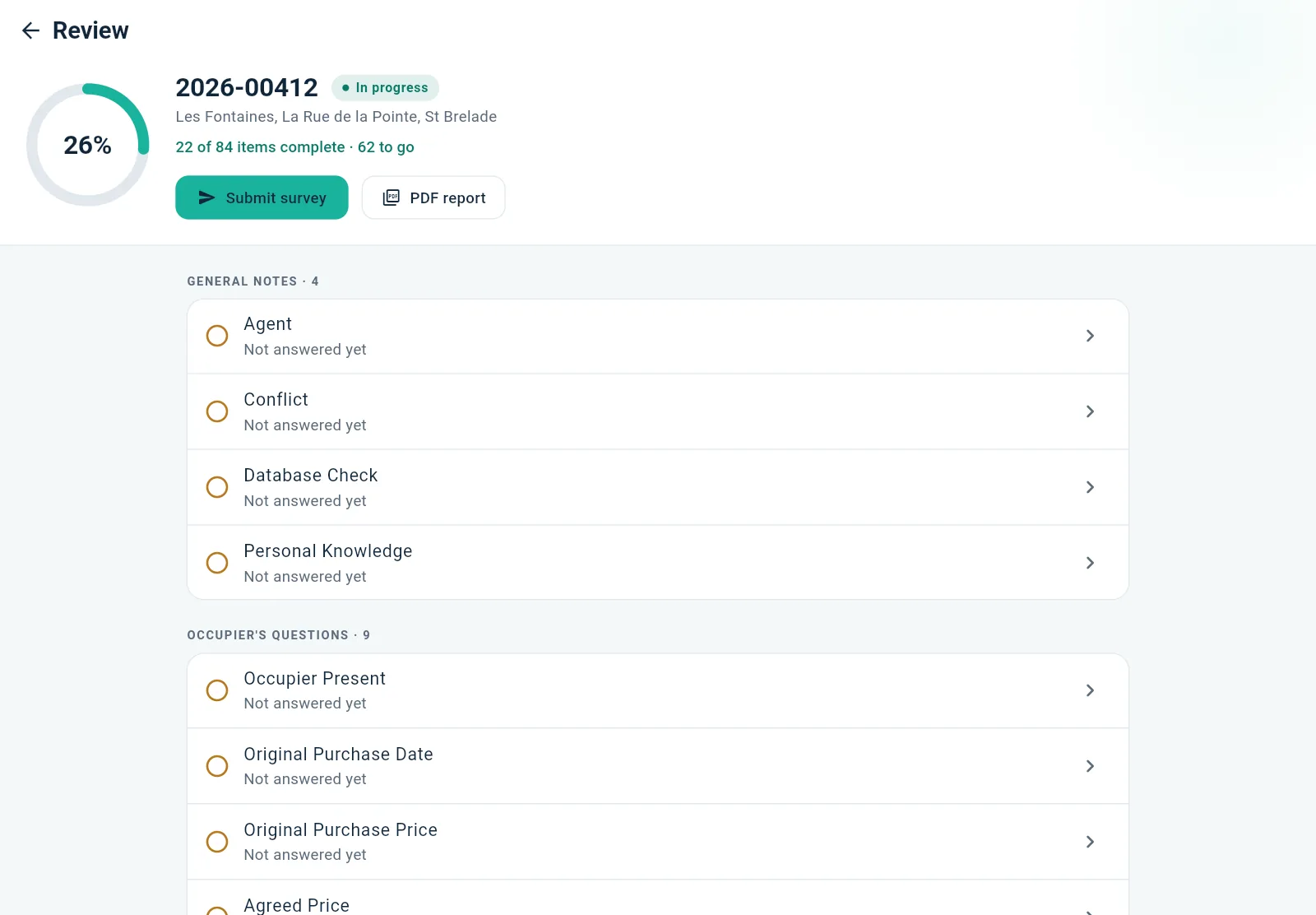
Review shows exactly what's still unanswered, and one tap takes you straight to it. Submit when it's done; it goes to the office the moment you're back in signal.
Offline first
Every tap is saved on the device the moment you make it. SiteNotes doesn't need a connection to work — only to hand the finished survey to the office, and it does that by itself when signal comes back.
2026-00412 · St Brelade
3 changes waiting to send
The office
Waiting for the surveyor
Reinstatement cost
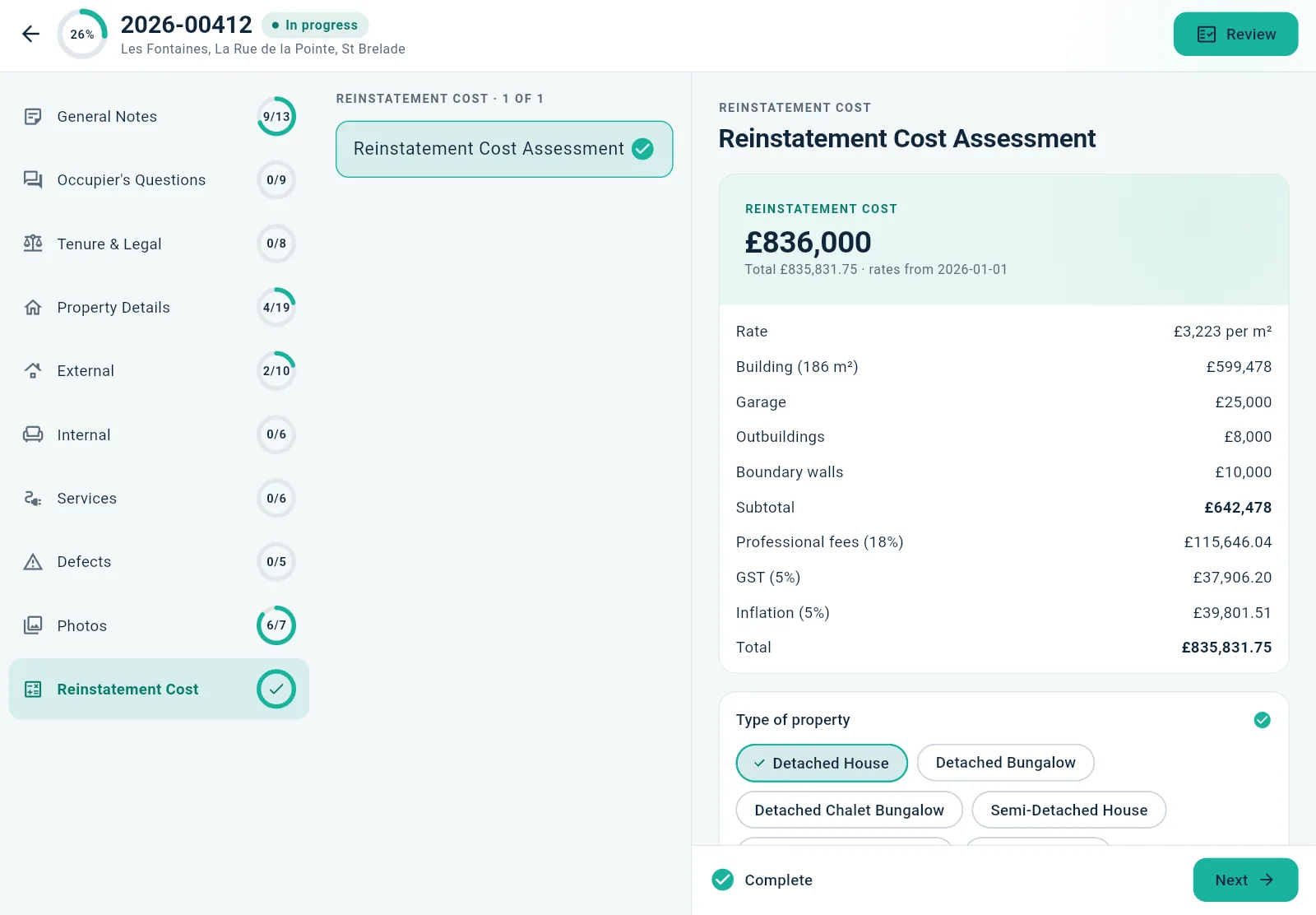
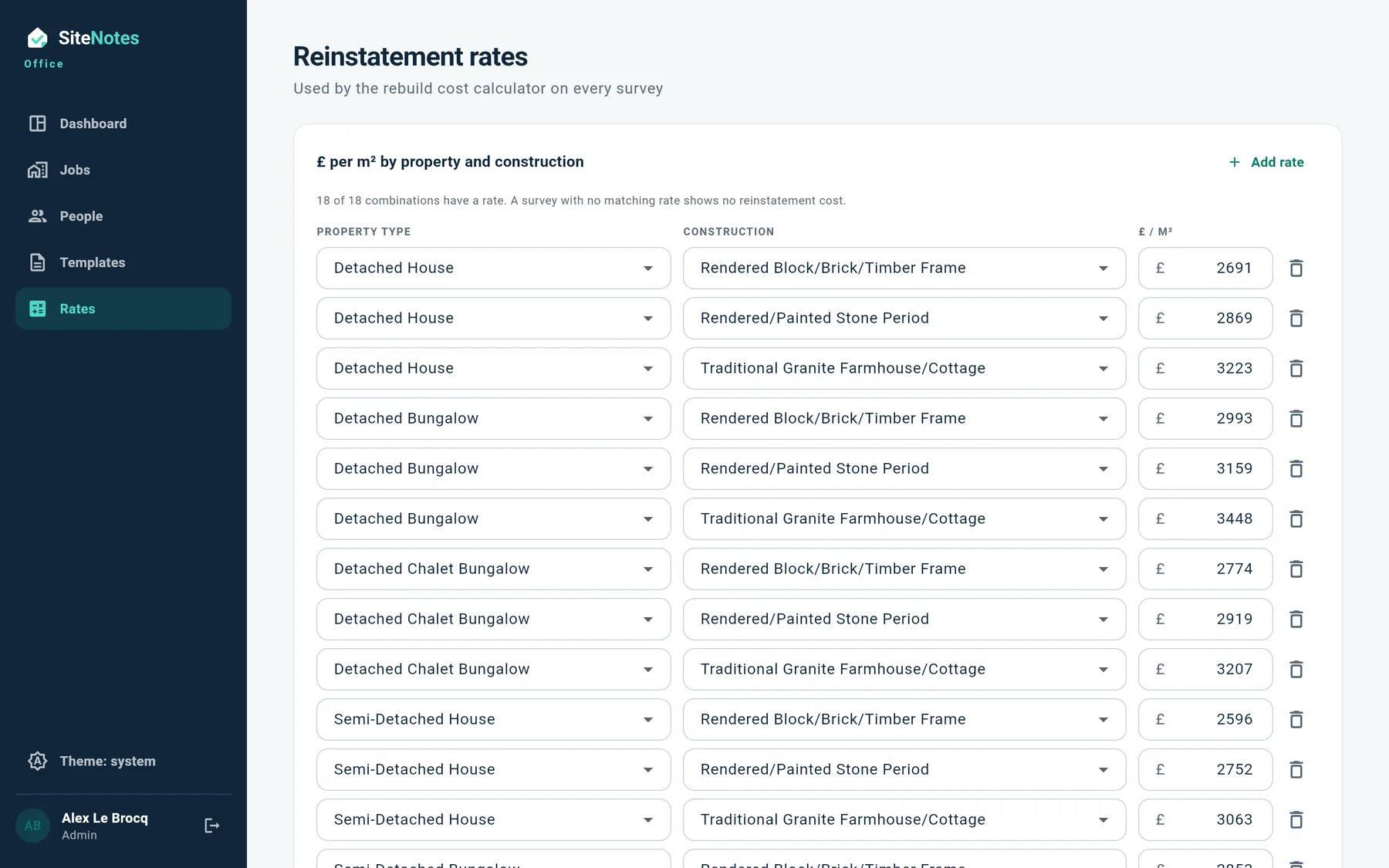
No spreadsheet back at the office. Pick the property type and construction, enter the floor area, and SiteNotes applies your own rate table, fees, GST and inflation — then puts every line in the report.
Try it. This uses the same arithmetic as the app, with sample rates; your practice sets its own.
The back office
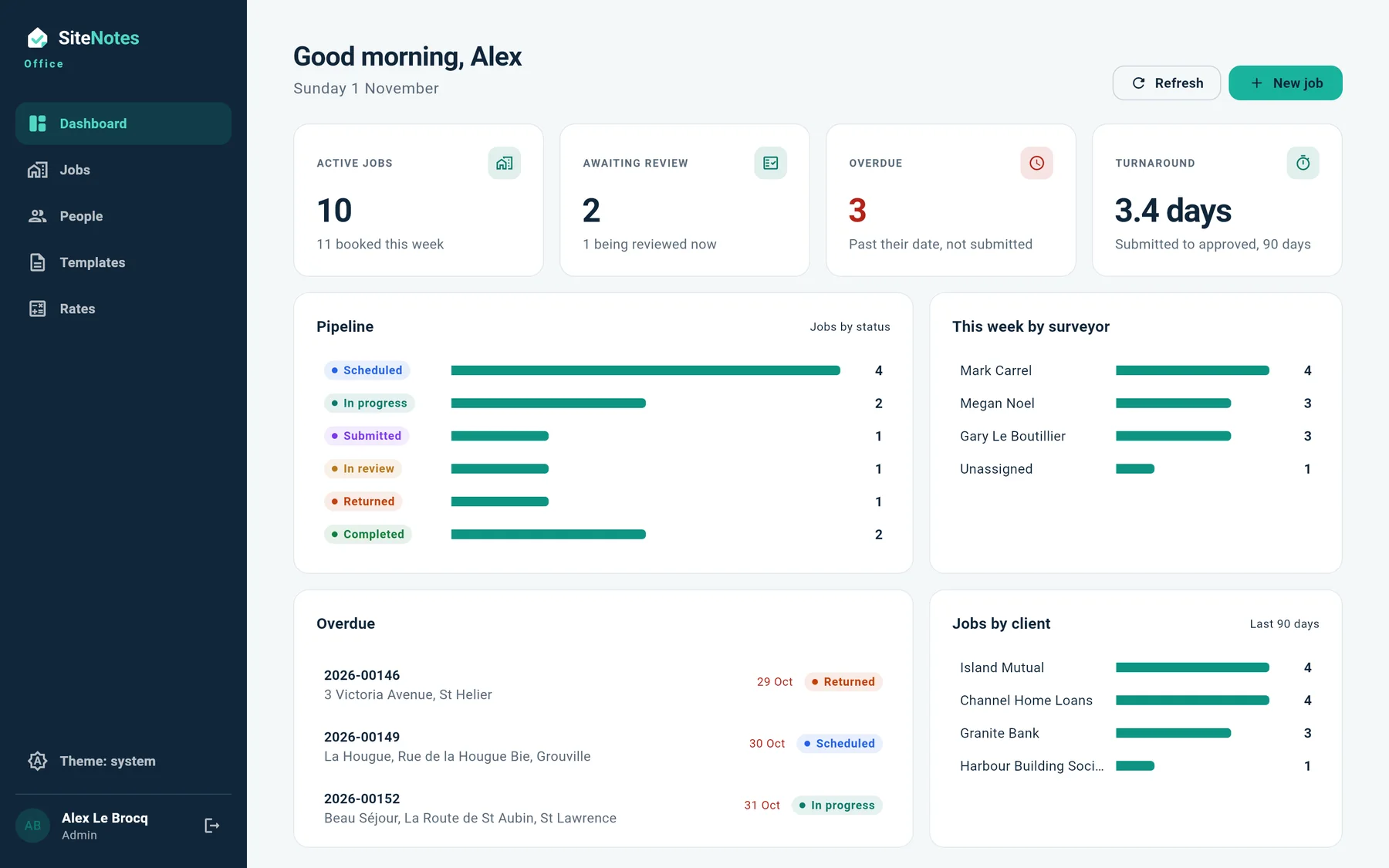
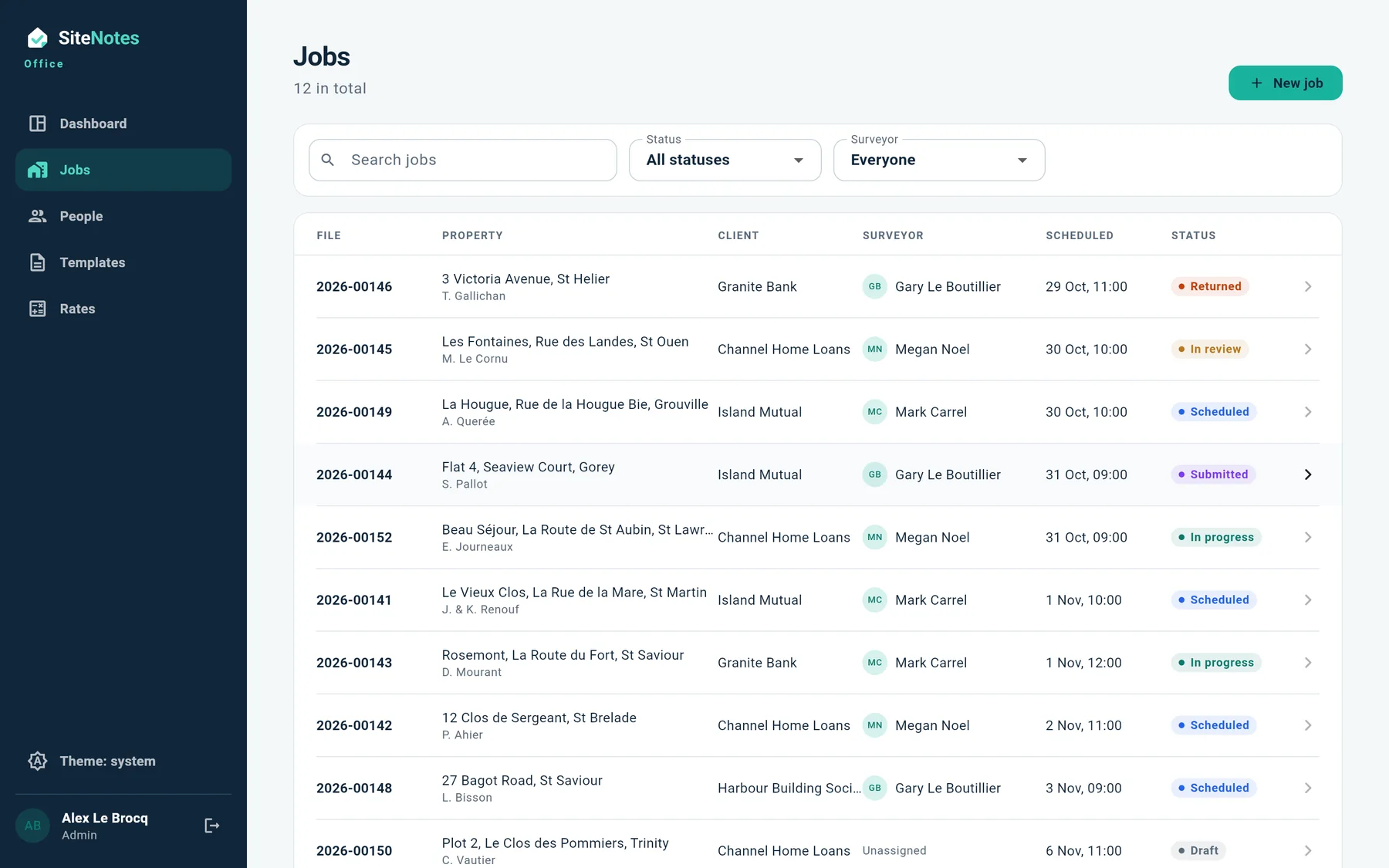
A web dashboard for the people who run the practice: who's surveying what, what's waiting for review, what's overdue, and how long reports are taking.
Everything in one place
Shoot straight into the roof, the kitchen or a defect. They're filed against the right question and land in the right place in the report.
Damp, movement, timber decay: each with its location, severity and photos.
Sections, questions and choices come from a template the office controls. Change a question without waiting for an app update.
Each practice's surveys are kept apart from every other's, sign-in is per person, and the office can see who changed what, and when.
Your logo and layout, with the photos and the rebuild figure in place. Preview it on the iPad before you leave.
Built for the iPad on site, and just as at home on an iPhone or an Android phone. The office works in any browser.
How it works
Client, lender and surveyor. It appears on their iPad.
Section by section, signal or not. Every tap is saved.
A reviewer checks it, returns it with a note, or approves.
A branded PDF with photos, defects and the rebuild cost.
Now recruiting
We're building SiteNotes with practising surveyors in Jersey, and opening a small pilot before it reaches the App Store and Google Play. Join it, or book a demo on a real survey.